Kids, Drones, and Safety: A Parent’s 2026 Guide
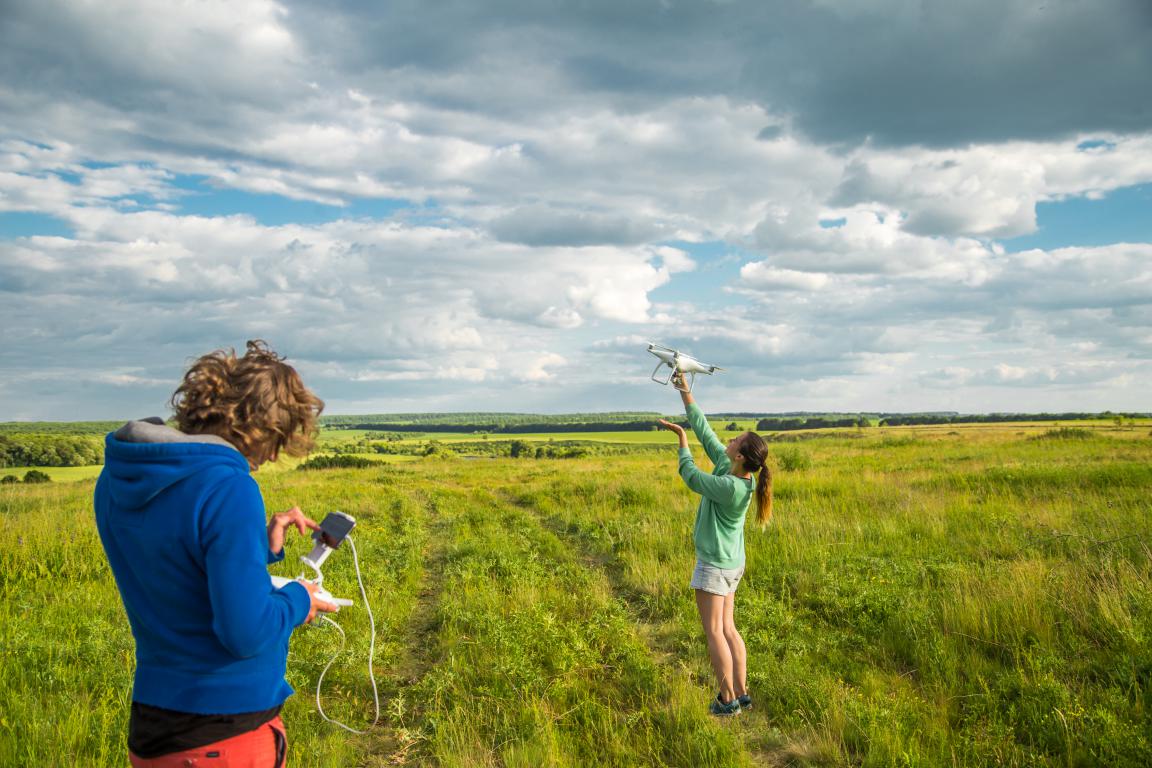
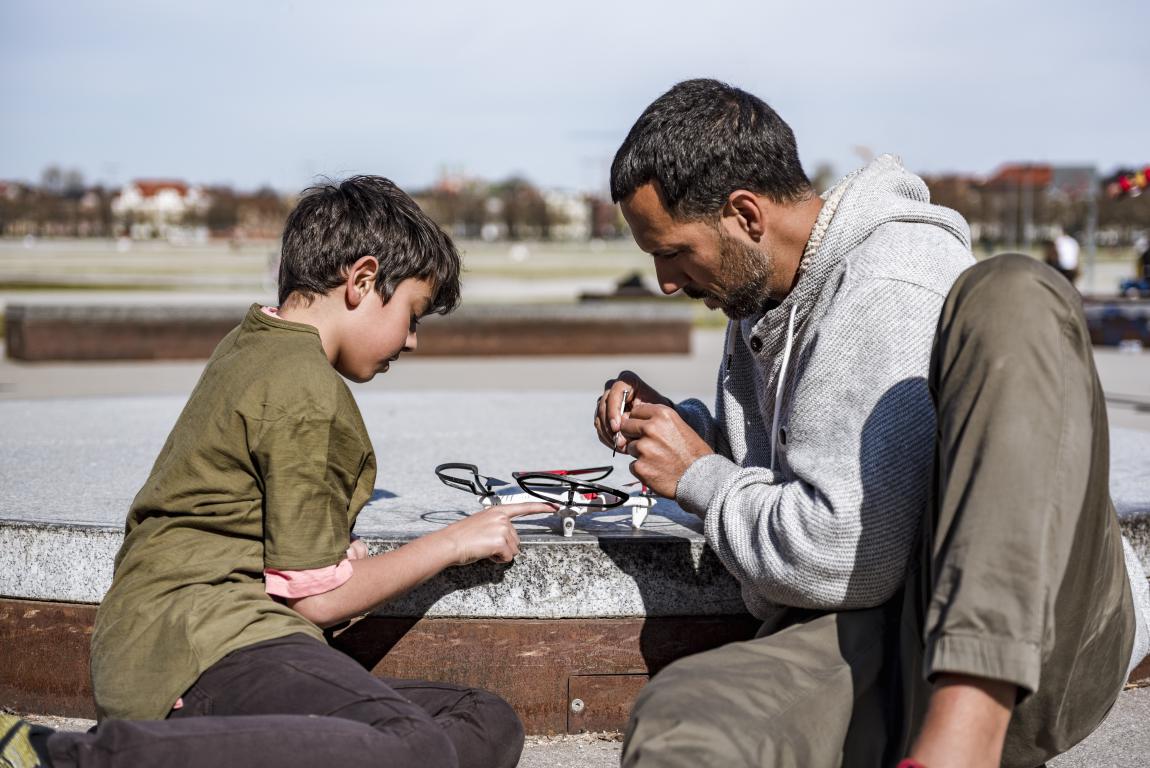
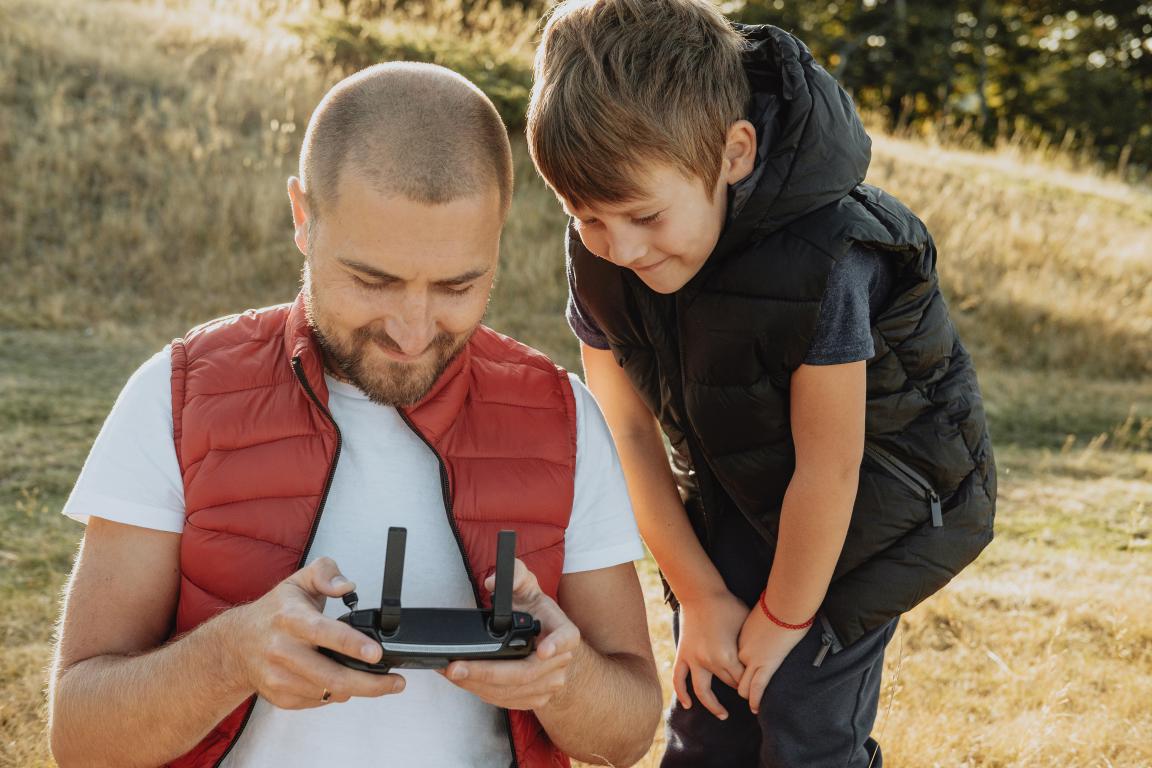
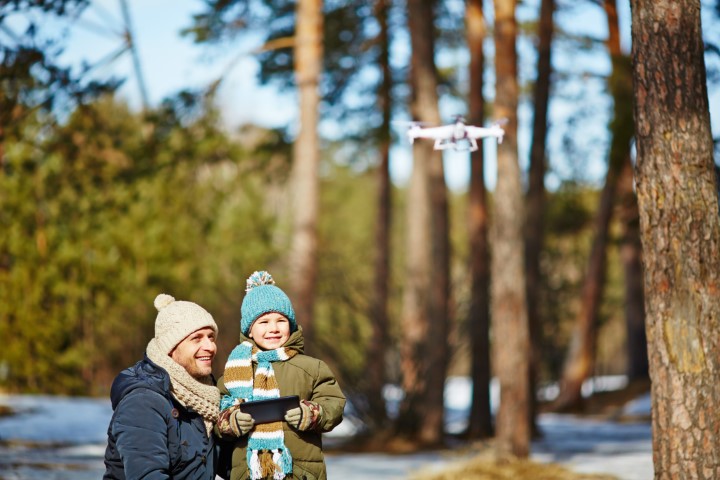
Drones can be a lot of fun for families. They give kids a new perspective on the world, spark an interest in technology, and get them outside and active. It’s normal to feel excited but also a little concerned—safety should always come first when children are involved.
As of January 2026, the UK’s Civil Aviation Authority (CAA) has updated the drone rules to make them simpler, safer, and fairer for everyone. These changes make it easier to enjoy drones responsibly as they become more popular.
This guide covers everything parents need to know, from the latest regulations to choosing the right drone and helping kids develop safe flying habits. Whether you’ve just bought a drone or are thinking about it, you’ll find practical advice to keep flying safe, legal, and fun.
Table of Contents
Why Drones Are Great for Kids – But Safety Comes First
Drones have quickly become a favourite with many children in the UK. They offer a mix of outdoor activity and modern tech that gets kids away from screens and into fresh air. Flying a drone feels exciting – it gives that thrilling bird's-eye perspective, whether hovering over a garden or capturing simple photos.
Parents often notice how drones spark interest in new areas. Many children get absorbed in figuring out controls, planning flights, and adjusting when things don't go perfectly. This hands-on approach builds useful skills without feeling like schoolwork.
Key Benefits Drones Bring to Children
-
Improved coordination and focus: Operating a drone requires steady hands and quick reactions to keep it stable in the air. Children practise precise movements with the controller while watching the drone’s path, sharpening hand-eye coordination. It also teaches patience, as small adjustments are needed to avoid wobbles or drifts.
-
Introduction to problem-solving and basic STEM ideas: When a drone doesn’t respond as expected—due to wind, battery levels, or obstacles—children start troubleshooting. They experiment with controls, understand cause and effect, and grasp simple concepts like lift, balance, and direction. This play-based approach introduces science, technology, engineering, and maths naturally.
-
Boost to creativity and confidence: Drones with cameras let kids experiment with aerial shots of parks, playgrounds, or their back garden. Planning a short video or photo sequence encourages thinking about angles, timing, and storytelling. Successfully completing a smooth flight or capturing a good image gives a real sense of achievement, building self-assurance.
These advantages make drones more than just a passing hobby. They encourage active outdoor play while developing skills that are increasingly valuable today.
Why Safety Must Always Come First
Even lightweight drones are essentially small aircraft with spinning propellers, batteries, and the ability to fly at height or speed. Loss of control can cause crashes into people, property, or other aircraft.
-
Potential for injury from crashes: Propellers can cut if the drone hits someone. Even light models fall unpredictably if batteries run low or signals drop. A drop from height carries force, making safe distances essential.
-
Risks to privacy and neighbours: Many kid-friendly drones have cameras. Footage could accidentally capture private spaces, upsetting others or breaching privacy rules. Flying too close to homes or over private land can lead to complaints.
-
Broader dangers in shared airspace: UK skies are shared with planes, helicopters, and emergency services. A drone flying too high or near restricted zones could interfere with aircraft, creating serious hazards. The Civil Aviation Authority (CAA) monitors near-misses and stresses that responsible use protects everyone.
The CAA’s Drone Code exists to prevent these risks. Rules aren’t there to spoil the fun—they keep flights safe for children, bystanders, and pilots.
As a parent, you hold primary responsibility. Even if your child flies, you’re accountable under the law. Supervising flights, checking the drone, and knowing the rules make all the difference. With these in place, drones can provide years of safe and rewarding experiences.
Understanding the 2026 UK Drone Rules
The UK drone rules changed on 1 January 2026 to reflect more drones in the skies and new technology. The Civil Aviation Authority (CAA) designed these updates to make flying clearer and safer for everyone, including families. Most recreational flights fall into the "Open Category," covering low-risk activities like flying in parks or gardens.
The core Drone and Model Aircraft Code—keeping the drone in sight, staying away from airports, and respecting people on the ground—remains the same. Parents don’t need to worry about a complete overhaul, but knowing the updates helps avoid fines or accidents.
Main Changes That Matter for Families
-
Lower weight limit for the Flyer ID: Drones 100g or more now require a Flyer ID. This free online test takes 20–30 minutes and covers basic safety rules, including maximum height and distances from people, helping prevent accidents.
-
Operator ID rules for cameras: The person responsible (usually a parent) needs an Operator ID if the drone has a camera and weighs 100g+, or if it’s 250g+ even without a camera. This labels the drone for accountability while keeping registration simple.
-
New UK class marks: From 2026, new drones sold must carry a UK class mark (UK0 to UK6). These indicate safety features like speed limits and noise control. Higher-class drones can often fly closer to people safely. Older drones without marks are still legal but follow weight-based rules.
-
Remote ID rollout: Certain new class-marked drones (UK1, UK2, UK3, UK5, UK6) must broadcast location and ID while flying, acting like a digital number plate for authorities. Lighter or legacy drones have until 2028 to comply. This mainly affects new purchases and improves safety in shared airspace.
-
Transitional arrangements: Drones with European "C" class marks (C0–C6) can be treated as equivalent to UK classes until the end of 2027, easing the transition for families.
Why These Updates Help Keep Things Safe
The rules respond to busier skies, including delivery drones and more hobbyists. Lowering the registration threshold captures small camera drones that could capture private areas. Flyer ID ensures operators understand basic risks like wind, battery, and line-of-sight. Class marks and Remote ID make drones traceable and limit higher-risk behaviour automatically.
For parents, following these rules protects children from fines or confiscation while encouraging responsible habits. Very light drones under 100g with no camera mostly avoid registration but learning the code is still recommended. The updates focus on safe enjoyment and sharing the airspace responsibly.
Rules Specifically for Children
The Civil Aviation Authority (CAA) recognises that many drones end up in children’s hands, often as gifts. Their rules include age-specific guidance to keep young flyers safe while letting them enjoy flying. These focus on supervision, registration, and testing.
Key Age Rules
-
Children under 12 need supervision: Any child aged 11 or younger must fly only under the direct supervision of someone aged 16 or over. The adult should be ready to take over controls if needed, such as in sudden wind or low battery situations. Supervision prevents accidents and teaches safe habits early.
-
Children under 13 require help with Flyer ID: There’s no minimum age for the free online Flyer ID theory test, but a parent or guardian must be present during registration and while the child completes it. This protects personal data and allows you to go through the questions together, reinforcing safety knowledge.
-
Anyone under 18 cannot hold an Operator ID: The Operator ID must always be registered to an adult aged 18 or over, usually a parent. This means if the drone requires registration (for example, it has a camera or is over a certain weight), the adult handles the ID and labels the drone. Children under 18 can still hold their own Flyer ID and fly legally, but accountability for the drone stays with the adult.
How These Rules Help
-
Balance fun with responsibility: Adult oversight reduces common beginner mistakes like flying too high or near obstacles.
-
Protect children’s data: Parental involvement during registration ensures personal details are handled safely.
-
Provide legal accountability: Keeping the Operator ID with an adult ensures someone mature is responsible if anything goes wrong.
Parents often find these rules easy to follow, and using the process as a learning moment—supervising flights, going through the test together—builds confidence and good habits in young flyers. Even for very light, non-camera drones, starting with supervision is sensible and keeps everyone safe.
Getting Registered: Flyer ID and Operator ID
If you've just bought a drone for your child or are planning outdoor flights, the first practical step is checking whether registration is required. As of 1 January 2026, the rules cover many popular lightweight models that used to be exempt. The process is entirely online through the Civil Aviation Authority (CAA) website and doesn't take long.
There are two separate registrations: the Flyer ID (for the person actually flying) and the Operator ID (for the adult responsible for the drone). The Flyer ID shows you've understood basic safety rules, while the Operator ID links the drone to you for accountability.
Do You Need These IDs? A Simple Guide
Most family drones now fall under these requirements – here's what parents typically face:
-
Drones weighing 100g or more: Anyone flying it needs a Flyer ID, no matter their age (with help for younger children).
-
If the drone has a camera and weighs 100g or more: The responsible adult also needs an Operator ID, and the drone must display this number clearly.
-
Drones 250g or heavier: Both IDs are always required, even without a camera (though most kid models have one anyway).
-
Very light drones under 100g with no camera: No IDs needed legally, but many parents still do the free Flyer test for the useful knowledge it provides.
These rules apply to outdoor flying in open spaces. Purely indoor use or toys classed as such often skip everything.
How to Get a Flyer ID – Step by Step
This is free, straightforward, and open to everyone.
-
Start by reading the Drone and Model Aircraft Code. It's a quick online guide on the CAA site covering height limits, privacy, and distances from people. Reading it first makes the test much easier and helps the whole family grasp the basics.
-
Take the online theory test. You'll answer 40 multiple-choice questions – you can look back at the Code (it's open-book), retake as many times as needed, and aim for 75% to pass. It usually takes 20-40 minutes. Questions focus on real safety scenarios, not tricks.
-
Get your Flyer ID. It lasts five years once passed. Children can complete it at any age, but under-13s need a parent present during sign-up for data protection reasons. Older kids often do it alone, which gives them a sense of responsibility.
Parents find this part valuable because it equips whoever flies – child or adult – with clear rules, cutting down on common mistakes.
How to Get an Operator ID – Step by Step
This is for the adult only and covers all your household drones.
-
Register as the operator (must be 18+). Even if the drone is your child's, you handle this as the responsible person. One ID works for multiple drones.
-
Complete the online form and pay the fee. It costs £11.79 and renews yearly. Payment is quick by card on the CAA portal.
-
Label the drone. Print or stick the Operator ID number visibly on the body (permanent marker or stickers do the job). This helps if the drone is lost or there's an issue – it traces back to you.
Renewing annually keeps your details current without much effort.
What to Do When You're Out Flying
-
Always have proof of your IDs ready – a phone screenshot or downloaded PDF is fine. Police or local authorities might ask to see them in public spaces.
-
Keep the drone labelled, and check the weather and location beforehand.
Many families sort both IDs in under an hour on the CAA site. If your drone is borderline on weight, weigh it accurately (including battery) to be sure. Getting this done early avoids any stress and lets everyone focus on the fun part – safe flying together. If in doubt, the CAA website has a simple checker tool to confirm exactly what you need.
Choosing a Safe Drone for Your Child
Picking the right drone for your child means focusing on models that are easy to handle, built to last through crashes, and packed with features that reduce risks. Not all drones suit beginners or younger users – some are too powerful or fragile. Start simple to build confidence, then upgrade as skills improve.
Many parents find that lighter drones make life easier, especially with the 2026 rules in mind. Check the exact weight (including battery) and look for clear safety details from the manufacturer.
Key Features to Prioritise
-
Weight under 100g where possible. These drones often avoid the need for a Flyer ID or Operator ID, keeping things straightforward for family use. They tend to be slower and less forceful in a crash, making them gentler for beginners. Even so, supervision remains important, as wind or mistakes can still cause issues.
-
Propeller guards or enclosed designs. Full guards around the blades protect fingers from accidental contact and help the drone bounce back from bumps into walls or furniture. Enclosed propellers – where the blades are hidden inside the body – offer extra peace of mind, especially indoors or around other children. This setup reduces cuts and lets kids catch the drone by hand more safely.
-
Beginner modes and stability aids. Look for altitude hold, which keeps the drone steady at one height without constant adjustments, or one-button takeoff and landing. Low-speed settings limit how fast it goes at first, while headless mode ignores direction – helpful when kids get confused about which way it's facing. Automatic return-to-home on low battery adds another layer of protection against losing the drone.
-
Short flight times and durable build. Batteries lasting 8-15 minutes encourage regular breaks and reduce the chance of flying too far or too long. Tough plastic frames that survive drops are essential, as crashes happen often with new flyers. Spare batteries or quick charging help keep sessions going without frustration.
Popular Safe Options in 2026
Several models stand out for children because they combine these features well:
-
DJI Neo (or Neo 2). This compact drone weighs around 135g and comes with built-in propeller guards plus palm takeoff and landing. It flies steadily, offers simple automated modes like follow-me, and records good video. The updated Neo 2 adds better obstacle sensing for avoiding collisions automatically. Many families like it for bridging toy-level fun with more grown-up features as kids progress.
-
HOVERAir X1. At just 125g with fully enclosed propellers, it's one of the safest for handling up close. No traditional controller needed – it launches from your hand, hovers, and follows automatically for selfies or action shots. Foldable and pocket-sized, it suits quick outdoor play, though it's best for calmer days due to its light build.
-
Ryze Tello (still widely available). Under 100g and powered by DJI tech, this long-time favourite includes propeller guards and easy app control. It supports basic programming for educational fun, stable hovering, and short flips. Affordable and tough enough for indoor use, it remains a solid starter despite being an older model.
-
Holy Stone mini models (like HS210 or Potensic A20 equivalents). Budget-friendly options under 100g often feature full guards, altitude hold, and one-key controls. They come with multiple batteries for longer play and handle crashes well. Ideal for younger children wanting simple flying without cameras or extras.
Avoid fast racing drones or heavier models over 250g for early stages – they require more skill, hit harder in accidents, and always need full registration.
Check reviews and age guides on the box, as some suggest 8+ or 14+. Supervise flights at first, choose open spaces, and go through the controls together. A safe, forgiving drone turns learning into enjoyment rather than worry.
Kid-Friendly Drone Options Compared
Many parents start with very light drones that avoid registration hassles and focus purely on fun flying. As children gain confidence, moving to models with cameras adds creativity without jumping straight into complex rules. Here are three common categories that suit different ages and stages, with real-world examples from popular 2026 models.
Tiny Indoor/Outdoor Toys (Under 100g, No Camera)
These are often the gentlest introduction for younger children, typically aged 6-10. Weighing less than 100g – sometimes as little as 40-80g – they skip Flyer and Operator IDs entirely, making setup simple. Most work best indoors or in very calm gardens, with features designed for quick learning and minimal damage.
-
Potensic A20 or similar Holy Stone HS210 models. These palm-sized drones include full propeller guards, altitude hold for steady hovering, and one-button takeoff/landing. Children can practise basic moves like flips or circles without worrying about direction thanks to headless mode. The short 6-8 minute flights per battery encourage breaks, and coming with three batteries extends play to around 20 minutes total. Their tough build survives crashes into furniture or walls, keeping frustration low for beginners.
-
Ryze Tello (around 80g). This long-standing favourite adds a bit more stability with DJI technology inside, offering easy app control and simple stunts. It hovers reliably indoors, performs throw-to-go launches, and supports basic programming for older kids interested in coding. No camera means pure focus on flying skills, and its durability makes it forgiving for repeated bumps. Parents appreciate the low cost and how it builds coordination without outdoor wind issues.
These options keep things safe and contained, perfect for living rooms or sheltered play.
Mini Models with Basic Features (Under 100g, Often No or Simple Camera)
Slightly more capable, these bridge indoor toys and outdoor fun for ages 8+. Still under 100g to avoid registration, they handle light breezes better and add extras like LED lights or minor automation.
-
Holy Stone mini series (like HS190 or updated equivalents). Foldable for easy storage, these feature guarded props, multiple speeds, and auto-hover. Kids enjoy night flights with colourful lights and quick stunts. The controls mimic larger drones, helping transition skills smoothly. Batteries last 7-10 minutes each, with spares common in packs.
-
Hand-operated or gesture-controlled minis. Some newer budget options skip traditional remotes entirely, using motion sensors for up/down/left/right. This intuitive setup suits very young flyers, reducing button confusion. Enclosed designs add safety, and they bounce off obstacles harmlessly.
Families often choose these for park play on calm days, building confidence before cameras enter the picture.
Lightweight Camera Drones (100-249g)
For older children (10+) ready to record adventures, these require registration but open up creativity. Weights around 125-150g keep them portable, with better stability and automated modes.
-
DJI Neo or Neo 2 (135-151g). Palm takeoff and landing make launching effortless – no controller needed at first. Full propeller guards, AI tracking for follow-me shots, and 4K video deliver impressive results. Beginner modes limit speed, while auto-return on low battery prevents losses. The enclosed or guarded props suit close-up family use, and voice/gesture controls add fun without complexity.
-
HOVERAir X1 (125g). Fully enclosed for maximum safety, this selfie specialist launches from your hand and follows automatically. Pre-set paths like orbit or hover create cinematic clips hands-free. No remote required, just app tweaks for height or distance. Short flights suit quick sessions, and its pocket size encourages spontaneous outdoor use.
These drones teach responsibility alongside photography, with supervision helping children learn privacy and safe distances.
Prices vary – tiny toys start under £50, minis around £50-100, and camera models £150-400 depending on bundles. Check current weights and reviews, as small updates happen yearly. Whichever you pick, starting in open spaces and watching early flights ensures everyone enjoys the experience safely.
Basic Safety Rules Every Parent Should Know
The Civil Aviation Authority (CAA) sums up the main rules in the Drone and Model Aircraft Code. These apply to almost all family flying in parks, gardens, or open spaces – the low-risk "Open Category". Breaking them can lead to fines or worse, so they're worth knowing inside out.
Most of these rules haven't changed much in 2026, but class marks on newer drones can affect how close you can safely fly to others. For older or legacy drones, stick to the stricter distances to stay legal.
Core Rules to Follow Every Time
-
Always keep your drone in direct line of sight. You must see the drone clearly with your own eyes at all times – no relying on the camera feed or goggles alone. This lets you spot hazards like people walking nearby, birds, or low-flying aircraft quickly. Losing sight risks collisions or the drone drifting into trouble, so stay alert and ready to bring it down safely.
-
Never fly higher than 120 metres (400 feet) above the ground. This keeps drones well below most manned aircraft, which usually fly much higher. Measure from the surface directly below the drone, not your takeoff point. Many apps and drone screens show height in real time, but wind or slopes can trick you – always double-check to avoid straying into busier airspace.
-
Stay well away from airports, airfields, and restricted zones. Drone flight is banned within Flight Restriction Zones (FRZs) around airports without special permission. Use free apps like Drone Assist or NATS to check maps before heading out – they show no-fly areas clearly. Even outside marked zones, keep a safe distance from any aircraft, helicopters, or emergency operations to prevent dangerous near-misses.
-
Keep a safe distance from people, buildings, vehicles, and crowds. For most family drones (legacy models or without low-risk class marks), maintain at least 50 metres horizontally from anyone not involved in the flight. You must not fly over crowds or assemblies of people. Very light drones (under 250g or UK0/UK1 class) often allow closer or overflight in some cases, but always prioritise caution – a sudden gust can change everything quickly.
-
Respect everyone's privacy. If your drone has a camera, never record or photograph people, private gardens, or windows without clear permission. Pointing a camera over fences or into homes can breach privacy laws and upset neighbours. Stick to open public areas and think about what the footage might capture – good habits here avoid complaints or legal issues.
Extra Tips for Safe Family Flights
-
Fly only in good weather – avoid strong winds, rain, or fog that make control harder or reduce visibility. Check the drone before each flight: propellers secure, battery charged, and no damage. Start in wide-open spaces away from roads or power lines.
-
Night flying needs a visible green flashing light on the drone from 2026 onwards. Some newer models include this; others need an add-on that doesn't push the weight over limits.
These rules protect your child, bystanders, and the hobby itself. Teaching them early builds responsibility, and supervising flights reinforces the habit. The full Drone Code is short and free on the CAA site – worth a quick read together before the first takeoff.
Common Hazards and How to Avoid Them
Even with careful planning, things can go wrong when flying a drone. Beginners and children often face the same issues, usually from lack of experience or overlooking small details. Knowing these ahead of time helps parents spot risks early and keep flights safe.
Most problems stem from batteries, control issues, or the environment. The Civil Aviation Authority receives reports of incidents every year, many avoidable with basic checks.
Common Hazards Parents Should Watch For
-
Battery failures or low power. Lithium batteries in drones can swell, overheat, or even catch fire if damaged, overcharged, or left fully charged for long periods. Running the battery too low causes sudden drops from the sky, often leading to crashes or loss of the drone. Always charge fully before flying but land with at least 20-30% power left – many kid-friendly models warn you automatically. Inspect batteries for swelling or damage after every flight and replace them straight away if anything looks off; store in a cool, dry place away from direct sun.
-
Loss of control or signal. Wind, obstacles like buildings, or interference can break the connection between controller and drone, sending it drifting or triggering an unreliable return-to-home. In open areas with few trees or buildings, start flights to maintain strong signal. Test the return-to-home feature on the ground first if your drone has one, and practise in calm weather – sudden gusts catch beginners out more than anything else.
-
Collisions with obstacles. Trees, power lines, buildings, or even birds pose big risks, especially when children get excited and fly too fast or far. Crashes damage the drone and can send parts flying. Scan the area thoroughly before takeoff, noting wires or branches, and keep flights low and slow at first. Choose wide parks without overhead hazards, and remind kids to watch the drone itself, not just the screen.
-
Injury from propellers. Spinning blades move fast enough to cause nasty cuts, particularly if a child tries to catch a landing drone or reaches out during a crash. Younger kids might not realise the danger. Always supervise closely, teach children to keep hands clear until props stop completely, and pick drones with full guards or enclosed designs. Turn off the drone immediately after landing to avoid accidental startup.
-
Flying in poor weather or crowded spots. Rain, strong wind, or fog make control tricky and reduce visibility, while busy areas increase chances of hitting people or property. Wind pushes light drones off course quickly. Check forecasts every time – avoid anything over gentle breezes for beginners – and stick to empty fields or parks. Wait for clear, calm days, especially with children learning.
These hazards explain most beginner incidents reported to authorities. Quick pre-flight checks – battery condition, weather, clear space – prevent nearly all of them.
Building Safer Habits From the Start
Go through a simple routine together before every flight: check the drone for damage, confirm battery levels, look around for people or obstacles, and discuss the plan. Supervising early sessions lets you step in if needed and helps children learn good judgement.
If something does go wrong, like a crash or lost drone, stay calm and report serious near-misses to the CAA online – it helps improve safety for everyone. With these steps, most families enjoy trouble-free flying and avoid the pitfalls that catch others out.
Teaching Your Child to Fly Responsibly
Turning drone flying into a positive experience helps children develop patience, awareness, and respect for rules. When parents take time to guide rather than just hand over the controls, kids learn faster and make fewer mistakes. Start small, build confidence gradually, and keep every session short and enjoyable.
Most children pick up the basics quickly with calm encouragement. The key is showing them why rules matter, not just telling them what to do.
Starting Safely Indoors or in a Small Space
Begin with a very light, guarded drone in a clear indoor area like a living room or hallway. Remove breakables and ensure plenty of space around furniture.
-
Let them watch you first. Demonstrate smooth takeoffs, gentle hovering, and careful landings several times. Explain what each control does – throttle for up/down, yaw to turn, pitch and roll for forward/backward and side-to-side. Seeing it done calmly helps children understand the feel before they try.
-
Guide their first attempts hand-over-hand. Hold the controller together for the initial flights so you can correct gently if needed. This builds trust and prevents early crashes that might discourage them. Keep sessions to 5-10 minutes so focus stays sharp.
-
Practise hovering in one spot. Once comfortable, ask them to hold the drone steady at eye level for 10-20 seconds. This teaches fine control and sensitivity to small stick movements. Praise steady progress rather than perfection – small wobbles are normal at the start.
Indoors removes wind worries and keeps everything contained, making those first successes feel achievable.
Moving Outdoors Step by Step
Choose a wide, empty park or field on a calm day. Check for people, dogs, or overhead wires first.
-
Review the rules together before takeoff. Talk through key limits like staying in sight, under 120 metres height, and keeping distance from others. Explain why – for example, 50 metres away prevents the drone drifting into someone if control slips. Children accept rules better when they understand the real risks.
-
Set clear boundaries upfront. Agree on signals, such as calling “land now” if anyone approaches or wind picks up. Decide on a flight zone – perhaps a 20-metre circle at first – and stick to it. Having these limits agreed in advance reduces arguments mid-flight.
-
Build skills with simple challenges. Start with hovering, then slow forward/backward moves, followed by gentle turns. Progress to basic patterns like squares or figure-eights at low height. Many kids enjoy timed hover challenges or landing on a marked spot – it turns practice into a game while reinforcing precision.
-
Supervise closely and step in when needed. Stand nearby ready to take the controller or guide verbally. Watch for signs of fatigue or over-confidence – both lead to mistakes. End sessions on a high note, even if short, so enthusiasm stays strong.
Making It Educational and Fun
-
Encourage children to plan flights themselves – choosing takeoff spots or simple routes. Older kids often like recording short clips and reviewing what went well or could improve. Some families set up soft obstacle courses with hoops or cones for gentle navigation practice.
-
Praise effort and safe choices, not just flashy moves. Point out good decisions like landing early when battery is low or checking surroundings. Over time, this builds responsible habits that stick.
-
If mistakes happen – a bump or minor crash – use them as calm learning moments rather than criticism. Most durable kid drones survive knocks, and discussing what caused it helps prevent repeats.
With patient guidance, children quickly become confident, careful flyers who respect the rules naturally. The shared time outdoors strengthens the experience for everyone involved.
Where to Find More Help
If questions come up or you want to double-check something, plenty of reliable places offer clear guidance. The Civil Aviation Authority (CAA) remains the main source for official rules and support in the UK. Starting there usually answers most queries quickly.
Parents often find that combining online tools with real-world advice works best. Keep a few key resources bookmarked for easy reference before flights.
Official CAA Resources
-
The main CAA drone website. Head to caa.co.uk/drones for the complete Drone and Model Aircraft Code, step-by-step registration guides, and the free Flyer ID test. Everything is laid out plainly with FAQs covering common family scenarios, like age rules or camera drones. Updates appear here first, so it's worth checking occasionally.
-
Online reporting for concerns. If you spot unsafe or illegal flying – such as drones near airports or over crowds – report it directly through the CAA's online form. Include details like location, time, and description; authorities use these reports to follow up and keep airspace safer for everyone.
Helpful Apps and Tools
-
Drone Assist app (from NATS). This free app shows interactive maps of restricted zones, airfields, and temporary no-fly areas across the UK. Search your planned location, see warnings, and even submit flight notifications if needed. Many parents use it routinely to confirm a park or field is clear before heading out.
-
Other planning apps. Options like UAV Forecast add weather overlays, wind speeds, and visibility checks tailored for drone flying. Simple searches in app stores bring up several reliable ones – look for those linked to official airspace data.
Community and Local Support
-
Model aircraft clubs and associations.
The British Model Flying Association (BMFA) and local clubs often welcome families. Many run beginner sessions, junior training days, or open events where experienced members share tips safely. Search for clubs near you via the BMFA website – they provide insurance, structured guidance, and supervised flying fields away from public risks.
-
Online parent forums and groups. Communities on platforms like Reddit's r/drones (UK threads) or Facebook groups for UK drone parents exchange practical advice on kid-friendly models and locations. Take recommendations with a pinch of salt and cross-check against CAA rules.
Drones open up exciting ways for children to explore technology, photography, and the outdoors from new angles. With the right preparation – registration sorted, safe drone chosen, and rules understood – most families enjoy trouble-free flights for years.
Supervision and common sense go a long way. Start small, celebrate progress, and step in when needed. Safe flying together creates lasting memories and builds responsibility that extends far beyond the hobby. If in doubt, the CAA resources are always there to help you get it right.
© 2024 The Card Project Uk Ltd
VAT: 453 2087 06
|