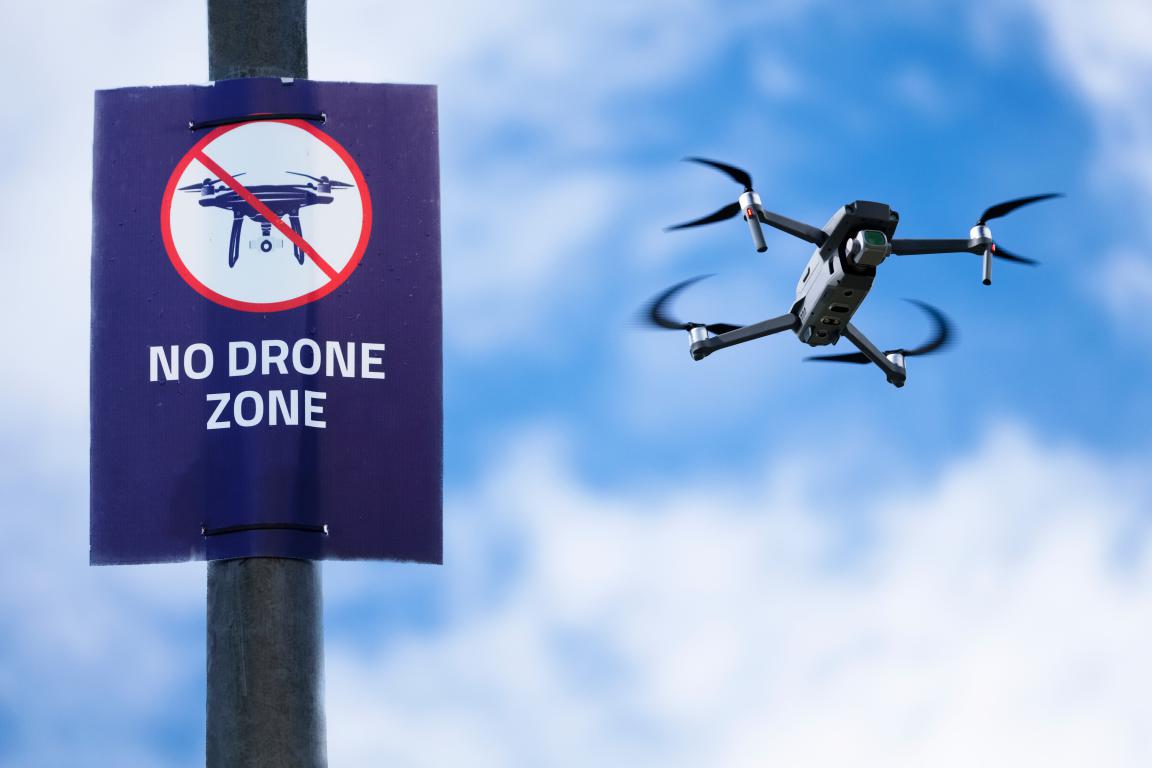
Understanding the Importance of Drone No Fly Zones and How to Avoid Them
Table of Contents
Introduction to Drone Flying in the UK
Drones have become a popular way for people to capture stunning aerial photos, explore the countryside, or simply enjoy a new hobby. Many families buy them for outdoor fun, and children often love seeing the world from above. But with that freedom comes responsibility.
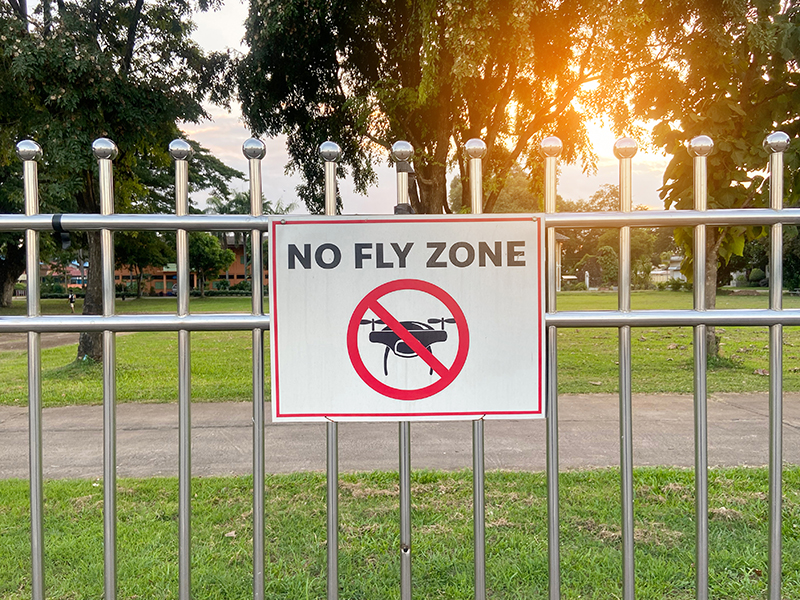
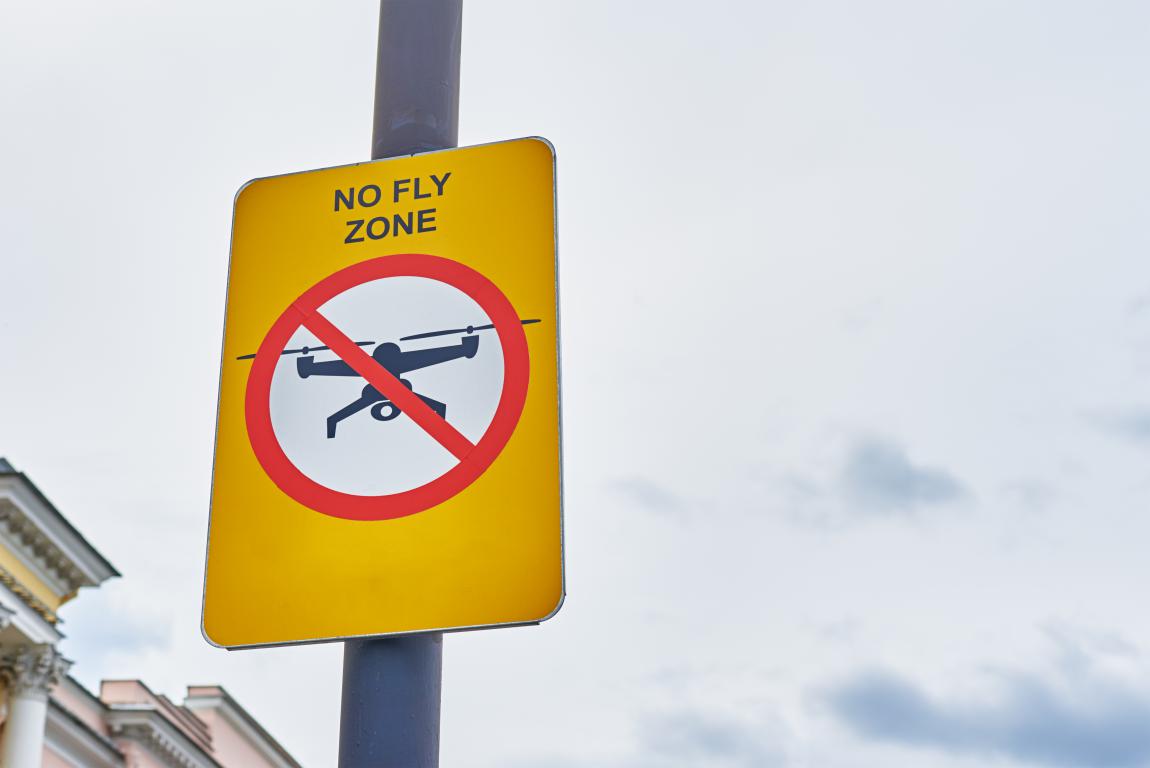
In the UK, certain areas of airspace are off-limits to drones to protect aircraft, people, and sensitive sites. These are known as no fly zones – often called restricted airspace or Flight Restriction Zones (FRZs). Flying in these areas without permission can lead to serious problems.
This guide explains what you need to know as of 2026, when some key rules were updated on 1 January. The changes make things clearer and safer as more drones fill the skies.
Whether you're just starting out or have been flying for years, the basics remain straightforward: plan ahead, check restrictions, and always put safety first.
If you're a parent buying a drone for your child or the family, this information helps you understand the rules from the beginning. Even small drones have limits on where they can go, and knowing them means everyone can enjoy the hobby without worry.
The rules apply right across the UK, and the Civil Aviation Authority (CAA) looks after them. By following this guide, you'll stay on the right side of the law and keep your flights safe.
What Are No Fly Zones?
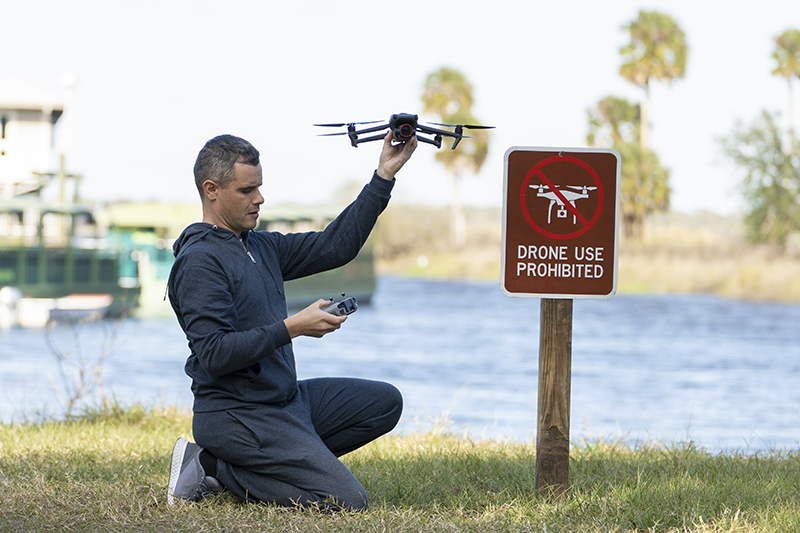
No fly zones are specific areas where you’re not allowed to fly a drone, or where flying is heavily restricted and needs special permission. The Civil Aviation Authority (CAA), along with airports and other organisations, creates these zones for clear reasons. They help stop drones from getting in the way of planes or helicopters, protect people’s privacy, and keep secure sites safe from overhead viewing.
Put simply, if your drone goes into one of these zones without approval, you’re breaking the law – even if it happens by accident. Most people first come across them when they see big red areas on a map around airports, but they also cover other places like prisons or government buildings.
Since the rules updated in 2026, the CAA makes it clear that you should check for no fly zones every single time you plan to fly, regardless of how light or small your drone is. Ignoring this step can quickly turn a fun outing into a stressful situation.
Why These Zones Exist in the First Place
-
Protecting manned aircraft: Planes taking off or landing fly low and fast. A drone in the wrong place could cause a collision, which might damage the aircraft or put passengers at risk. Airports therefore have large protected areas around them.
-
Safeguarding sensitive sites: Prisons, military bases, and nuclear facilities don’t want drones filming or flying overhead. These zones help maintain security and prevent unauthorised surveillance.
-
Temporary restrictions for events or emergencies: Sometimes a no fly zone appears for a short time, such as during a royal visit, a major sporting event, or a VIP movement. These can be set up quickly and removed once the event finishes.
Many parents buying a drone for the family are surprised to learn how widespread these zones are. For example, if you live within a few miles of an airport, large parts of your local area might be off-limits. The zones usually start at ground level and go up thousands of feet, so you can’t just fly very low to sneak under them.
The key point is that no fly zones aren’t there to spoil your fun – they’re there because the consequences of a mistake can be serious. By understanding what they are and where they are, you can choose safe places to fly and avoid trouble altogether.
Common Types of Restricted Airspace
The UK has several types of restricted airspace that every drone pilot needs to know about. These aren't just suggestions – flying in them without permission is against the law and can lead to fines, confiscation of your drone, or even prosecution. The Civil Aviation Authority (CAA) sets most of these rules to keep planes safe, protect sensitive sites, and avoid risks on the ground.
As of 2026, the rules remain firm: no drone, no matter how small, can enter these areas without proper approval. Many parents find this surprising when they first check a map and see large red zones near towns or cities.
The Main Types You'll Encounter
-
Flight Restriction Zones (FRZs) around airports and airfields:
These are the most common no fly zones for drone users. They surround major airports, smaller airfields, helicopter sites, and spaceports. An FRZ usually covers a radius of 2 to 5 nautical miles (about 3.7 to 9.3 km) around the runway, plus extra "runway protection zones" at each end. They start at ground level and go up to at least 2,000 feet. You need direct permission from air traffic control or the aerodrome operator to fly inside one – and for casual family flights, this is rarely granted.
-
Restrictions around prisons and young offender units:
Since 2024, every prison in the UK has its own FRZ-style restriction to stop drones being used for smuggling or security breaches. These zones are similar in size to airport ones and require specific permission from the prison authorities or the Ministry of Justice. Flying near or over a prison without approval is taken very seriously, as it could endanger security.
-
Military bases and other sensitive sites:
Many military installations, nuclear facilities, royal palaces, and key government buildings have prohibited or restricted areas. Drones are banned here to prevent spying or interference. These zones are marked on official maps, and permission is hard to get for non-official flights. The rules apply even if you're just passing overhead at low height.
-
Temporary restrictions:
These can appear suddenly for events like royal visits, major sports matches, airshows, or emergencies. They're announced through NOTAMs (Notices to Airmen) and might last a few hours or days. For example, a temporary drone-only restriction might cover a city centre during New Year celebrations. Always check for these before flying, as they won't always show on basic apps.
Some smaller airfields don't have a full FRZ, but you still can't fly close enough to risk endangering planes taking off or landing. The CAA advises staying well clear and contacting the airfield if you're unsure.
Other airspace types that affect drones include danger areas (used for military training, like live firing) and high-intensity radio transmission areas (where strong signals could disrupt your drone's controls). These are shown on maps but might allow flight with caution.
The easiest way to spot these is by using the official NATS airspace restriction map or a reliable drone app. Many families plan outings around open green areas far from these zones, like countryside parks, to keep things simple and safe.
Why No Fly Zones Matter
Flying a drone in a no fly zone isn’t just breaking a rule – it can create real danger for people in the air and on the ground. These zones exist because the consequences of getting it wrong can be serious, and many parents are surprised to learn just how high the stakes can be.
Understanding why these restrictions are in place helps you make better decisions when planning a flight with your family or by yourself. It’s not about spoiling fun; it’s about keeping everyone safe and making sure the hobby stays enjoyable for years to come.
Real Risks to Aircraft and Passengers
-
Near-misses with planes have already happened: There have been multiple documented cases in the UK where drones came dangerously close to commercial aircraft near airports. A collision with a passenger plane could cause engine damage, loss of control, or worse. Even small drones can do serious harm at the speeds planes fly during take-off and landing.
-
Drones are hard for pilots to see: Aircraft pilots cannot easily spot a drone in the sky, especially in busy airspace. That’s why Flight Restriction Zones around airports are so large – they give a safety buffer so any drone that does enter the area can be dealt with before it becomes a threat.
Protecting People on the Ground
-
Crowded areas and events: Flying over large groups of people, such as at festivals, sports matches or busy beaches, is usually banned unless you have special permission. A drone falling from the sky could seriously injure someone, and in 2026 the CAA continues to enforce strict rules here to prevent accidents.
-
Privacy for individuals: Flying over someone’s garden or private property without consent can feel intrusive. Respecting no fly zones helps avoid complaints and keeps good relations with neighbours and the wider community.
Safeguarding Security and National Interests
-
Sensitive sites need protection: Military bases, prisons, power stations, and government buildings have restricted airspace to stop drones being used for spying, smuggling or other threats. A drone overhead could compromise security, and the authorities treat these violations very seriously.
-
Temporary restrictions during major events: When a royal visit, state funeral or high-profile VIP movement happens, the airspace is closed to drones to reduce risks. Ignoring these can disrupt national security arrangements.
Impact on the Wider Aviation System
-
Delays and disruptions cost money and time: If a drone is spotted in a restricted zone near an airport, air traffic control may have to pause take-offs and landings while they investigate. This can delay hundreds of passengers and cost airlines thousands of pounds. Responsible drone use helps keep commercial flights running smoothly.
-
Building trust for the future: The more drone pilots follow the rules, the easier it becomes for everyone to enjoy the hobby. If too many people ignore no fly zones, regulators may introduce even stricter limits, which could limit where families can fly in the future.
As a parent or new pilot, think of no fly zones as the same as road rules: you wouldn’t drive through a red light just because you’re in a hurry, because the risk is too great. Checking for restricted areas before you fly is one of the easiest ways to stay safe and responsible.
By respecting these zones, you’re not only protecting others – you’re helping keep drone flying a fun, family-friendly activity that can grow without major restrictions. In the next section, we’ll look at the legal requirements you must meet before you even take off.
Legal Requirements Before You Fly
Before you take your drone out for its first flight, there are a few legal steps you need to complete. As of 1 January 2026, the Civil Aviation Authority (CAA) lowered some thresholds to make the rules safer and clearer as more people fly drones. These requirements help ensure everyone in the skies knows the basics and can be held accountable if something goes wrong.
Most families start with popular small drones that have cameras, so these rules will apply to many new owners. Getting everything sorted is straightforward and done online through the CAA website – it usually takes less than an hour.
The Two Main IDs You Might Need
-
Flyer ID: This is required if your drone or model aircraft weighs 100g or more. You get it by passing a free online theory test that covers basic safety and the Drone and Model Aircraft Code. The test has multiple-choice questions and is designed to be simple – many people pass on their first try. It proves you understand how to fly responsibly and is valid for five years before you need to renew it.
-
Operator ID: You need this if you're the person responsible for a drone that weighs 100g or more and has a camera. It involves registering with the CAA for a small annual fee (currently around £10), and you must label the drone with the ID number. This acts like a registration for the owner, making it clear who is in charge of the aircraft. The Operator ID lasts one year and must be renewed annually.
Drones under 100g (often tiny toy ones without cameras) don't require either ID, though the CAA strongly recommends taking the free Flyer ID test anyway to learn the safety basics. If you're a parent, note that children under 18 can get their own Flyer ID, but those under 13 need a parent or guardian present for the test. The parent usually handles the Operator ID.
Core Flying Rules Everyone Must Follow
These apply no matter what size your drone is:
-
Keep it in visual line of sight (VLOS): You must always see your drone with your own eyes (not just through a screen or goggles) and maintain a clear view of the surrounding airspace. This helps you spot other aircraft or hazards quickly.
-
Stay below 120 metres (400 feet): Never fly higher than this above the ground – it's the legal maximum in most places to avoid interfering with planes or helicopters.
-
Maintain safe distances: Rules on how close you can fly to people, buildings, or vehicles depend on your drone's weight or class mark. For example, lighter drones often allow closer flights, but you generally can't fly over crowds or uninvolved people at any height without permission.
Extra Requirement for Night Flying
From 2026, if you plan to fly after dark (or in low light), your drone must have a green flashing light switched on and visible from a reasonable distance. Many newer drones have this built-in, but for others, you can buy a small add-on light that clips on. This makes your drone easier for others to spot and distinguishes it from manned aircraft lights. Remember, the light's weight counts towards your drone's total, which might affect which rules apply.
Getting your IDs and understanding these rules is the foundation of safe flying. Many parents find the process quick and reassuring – it means you can focus on enjoying time outdoors with the family rather than worrying about breaking the law.
Once you're registered, the next step is checking where you can actually fly. We'll cover how to spot no fly zones in the following section.
How to Check for No Fly Zones
The good news is that checking for no fly zones and other restrictions is now easier than ever, thanks to free online tools and apps. As of 2026, the Civil Aviation Authority (CAA) requires you to verify airspace every time you fly, because temporary changes can happen quickly – like for events or emergencies. Skipping this step risks fines or worse.
Many parents find it takes just a minute or two once you're familiar with the tools. Start by picking one reliable source and stick with it for consistency.
Most Reliable Ways to Check
-
NATS UAS Restriction Zones map:
This is the official interactive map from National Air Traffic Services (NATS), showing all Flight Restriction Zones (FRZs) around airports, airfields, and spaceports, plus other restricted airspace. It's straightforward to use on a computer or phone – zoom in on your location and see the red zones clearly. The CAA points to this as a key resource for accurate aerodrome restrictions, and it's always up to date with permanent changes.
-
NoFlyDrones.co.uk:
A popular, free website with a simple map overlaying no fly zones, including FRZs, prisons, military areas, and even user-requested spots like parks with local bans. It pulls data from official sources and adds helpful notes, such as contact details for permission in some areas. Many hobbyists use it for quick planning, though remember it's an aid and you should cross-check with official tools.
-
Drone Assist app by Altitude Angel:
This free mobile app provides an interactive UK map with no fly zones, ground hazards (like power lines), and airspace details. You can plan routes, see warnings, and even share your flight location with others. It's widely used and integrates some temporary notices, making it handy for on-the-go checks before family outings.
Handling Temporary Restrictions
Temporary no fly zones often come from NOTAMs (Notices to Air Missions), which announce short-term changes like VIP visits, airshows, or helicopter operations.
-
Check NOTAMs through the NATS website or integrated tools like the apps mentioned above. Some sites, such as Drone Scene or NOTAMInfo.co.uk, plot them directly on maps for easier viewing.
-
These can appear at short notice, so always do a final check right before takeoff.
Many modern drones from brands like DJI have built-in geo-fencing that alerts you or even stops takeoff in restricted areas. This is a useful backup, but never rely on it alone – manufacturer data might not include the latest temporary changes or local byelaws.
The CAA advises using multiple sources if you're unsure, especially near busy areas. By building this quick check into your routine, you'll choose safe spots confidently and keep your flights legal.
How to Check for No Fly Zones
The good news is that checking for no fly zones and other restrictions is now easier than ever, thanks to free online tools and apps. As of 2026, the Civil Aviation Authority (CAA) requires you to verify airspace every time you fly, because temporary changes can happen quickly – like for events or emergencies. Skipping this step risks fines or worse.
Many parents find it takes just a minute or two once you're familiar with the tools. Start by picking one reliable source and stick with it for consistency.
Most Reliable Ways to Check
-
NATS UAS Restriction Zones map:
This is the official interactive map from National Air Traffic Services (NATS), showing all Flight Restriction Zones (FRZs) around airports, airfields, and spaceports, plus other restricted airspace. It's straightforward to use on a computer or phone – zoom in on your location and see the red zones clearly. The CAA points to this as a key resource for accurate aerodrome restrictions, and it's always up to date with permanent changes.
-
NoFlyDrones.co.uk:
A popular, free website with a simple map overlaying no fly zones, including FRZs, prisons, military areas, and even user-requested spots like parks with local bans. It pulls data from official sources and adds helpful notes, such as contact details for permission in some areas. Many hobbyists use it for quick planning, though remember it's an aid and you should cross-check with official tools.
-
Drone Assist app by Altitude Angel:
This free mobile app provides an interactive UK map with no fly zones, ground hazards (like power lines), and airspace details. You can plan routes, see warnings, and even share your flight location with others. It's widely used and integrates some temporary notices, making it handy for on-the-go checks before family outings.
Handling Temporary Restrictions
Temporary no fly zones often come from NOTAMs (Notices to Air Missions), which announce short-term changes like VIP visits, airshows, or helicopter operations.
-
Check NOTAMs through the NATS website or integrated tools like the apps mentioned above. Some sites, such as Drone Scene or NOTAMInfo.co.uk, plot them directly on maps for easier viewing.
-
These can appear at short notice, so always do a final check right before takeoff.
Many modern drones from brands like DJI have built-in geo-fencing that alerts you or even stops takeoff in restricted areas. This is a useful backup, but never rely on it alone – manufacturer data might not include the latest temporary changes or local byelaws.
The CAA advises using multiple sources if you're unsure, especially near busy areas. By building this quick check into your routine, you'll choose safe spots confidently and keep your flights legal.
Best Practices for Staying Safe
Good planning turns drone flying into a reliable and enjoyable family activity, rather than a rushed one that leads to mistakes. Following a few straightforward habits every time you fly helps you stay well away from no fly zones and keeps risks low. As of 2026, the Civil Aviation Authority (CAA) stresses these steps to make sure everyone – pilots, people on the ground, and aircraft in the sky – stays protected.
Many new owners find that building a simple pre-flight routine makes outings more relaxed. Start by treating each flight like a short checklist, even if you're just heading to a local field.
Essential Steps Before Every Flight
-
Pick an open, unrestricted location first: Look for wide countryside spots, quiet parks, or beaches away from towns, roads, and any signs of airfields. These areas are usually far from restricted airspace and give you plenty of room to manoeuvre safely. Choosing here from the start avoids the disappointment of arriving somewhere only to find it's off-limits on the map.
-
Check your chosen spot on a reliable app or map: Use tools like the NATS map or Drone Assist to zoom in and confirm there are no red zones nearby. Do this right before you leave home and again on site, as temporary restrictions can appear suddenly. A quick glance confirms you're clear and lets you spot any ground hazards like power lines or trees.
-
Stay well clear if you're near the edge of a zone: Restricted areas have hard boundaries for a reason – give yourself a generous buffer, such as an extra few hundred metres. This accounts for any GPS drift in your drone and prevents accidental entry if the wind pushes it further than expected.
-
Factor in weather and light conditions: Only fly in good visibility with light winds – strong gusts can make control harder, especially for beginners. Check the forecast for rain or fog, and avoid flying near dusk unless your drone has the required green flashing light for night operations.
Everyday Habits for Responsible Flying
-
Always keep the drone in direct sight and below 120 metres: You must see it clearly with your own eyes at all times, without relying solely on the screen. This lets you react quickly to other aircraft or obstacles. Staying under the height limit keeps you clear of manned planes and helicopters.
-
Respect people's privacy and keep safe distances: Never hover over private gardens, windows, or groups of people without permission – it's not only polite but against the rules if it invades privacy. Maintain the required gaps from uninvolved people and property, which vary by your drone's weight or class but always prioritise safety.
-
Prepare your drone properly and fly sensibly: Do a quick check of batteries, propellers, and software updates before takeoff. If your drone requires Remote ID (common on newer models from 2026), ensure it's broadcasting. Don't fly if you're tired, distracted, or under the influence – clear judgement is key.
-
Be ready to land if other aircraft appear: Listen and watch for planes, helicopters, or gliders – if one approaches, lower your height or land immediately until it's passed. This simple action prevents most potential conflicts.
If you're ever unsure about a location or rule, contact the local aerodrome or check CAA resources – it's better to ask than guess. Many families also join local drone clubs or online forums for recommendations on proven safe spots near them.
These practices aren't complicated, but they make a big difference in avoiding problems. Safe flying means more time enjoying the views and less worry about rules.
What Happens If You Break the Rules?
The Civil Aviation Authority (CAA) and police treat drone rule breaches seriously because even small mistakes can put aircraft, people, or security at risk. Most incidents happen unintentionally – often from not checking airspace properly or misunderstanding the rules – but the consequences can still be significant. Knowing what might happen encourages everyone to double-check before flying.
Penalties vary depending on how serious the breach is and whether it was careless or deliberate. The CAA and courts look at factors like the location, potential danger, and if it's a repeat offence.
Common Penalties for Different Breaches
-
Minor issues, like no IDs or small height overruns:
These often start with a verbal warning or education from police or the CAA. If it's more formal, you might get a fixed penalty notice or caution. Many first-time cases end here, especially if you cooperate and show you've learned from it.
-
Flying in a Flight Restriction Zone (FRZ) without permission:
This is one of the most common serious breaches. It can lead to fines up to £2,500, your drone being confiscated (sometimes permanently), or court prosecution. Police can seize the drone on the spot as evidence, and getting it back isn't guaranteed.
-
Endangering an aircraft or reckless flying:
If your drone comes close to a plane, helicopter, or causes disruption near an airport, this is treated as a criminal offence. Conviction can mean up to five years in prison, unlimited fines, or both. Real cases have shown courts handing down prison sentences for the worst examples, though they're rare for genuine accidents.
-
Other serious cases, like prison overflights or smuggling:
Flying near prisons without permission can bring fines around £2,500, while using a drone for illegal activities (such as dropping contraband) risks up to 10 years in prison under separate laws.
Additional Consequences to Consider
-
Insurance problems:
Most standard drone or home insurance policies won't cover flights that break the rules. If your drone causes damage or injury during an illegal flight, you could be personally liable for repair costs, medical bills, or compensation – potentially thousands of pounds.
-
Long-term effects:
A prosecution can leave you with a criminal record, affecting jobs or travel. The CAA might also restrict your future flying or require extra training.
The vast majority of drone users never face penalties because they follow the basics: get the right IDs, check maps or apps every time, and stay clear of restricted areas. A quick look at a tool like the NATS map or Drone Assist app before takeoff prevents almost all trouble.
If you're a parent or new to drones, talk about these risks with your family – it helps everyone understand why the rules matter. Safe flying keeps the hobby open for all of us.
Frequently Asked Questions About Drone No Fly Zones in the UK
Here are the most common questions people ask about no fly zones that haven't been fully covered earlier in the guide. These focus on everyday places families might want to fly, like parks, beaches, or national parks. All answers are based on 2026 CAA rules and typical local bylaws.
Can I fly a drone in public parks or council-run parks?
It depends on the specific park and council. Many UK councils have bylaws that prohibit drones from taking off, landing, or flying in their parks – even if the airspace is clear. Reasons include safety around visitors, noise, wildlife, or privacy. Some councils allow it in designated areas with a permit or small fee, while others ban it completely. Always check the council's website or look for signs at the entrance. Apps like Drone Assist won't show these local rules, so a quick online search for "[council name] drone policy" is essential before you go.
Is it allowed to fly drones in national parks like the Peak District, Lake District, or Snowdonia?
National parks don't have automatic CAA no fly zones, but most park authorities discourage or restrict drone use on their land. The main concerns are disturbing wildlife (especially during breeding seasons), affecting other visitors' enjoyment, or impacting protected areas like Sites of Special Scientific Interest (SSSIs). Many parks, including those managed by the National Trust or National Park Authorities, require landowner permission for any flight. Some have outright bans or require special permits. Check the specific park's website – for example, the Lake District and Peak District both have clear guidance advising against casual flying.
Can I fly my drone on beaches or over the sea?
Beaches are often okay for flying if they're not crowded and outside restricted airspace. You must keep at least 50 metres from any uninvolved people and avoid flying over groups. Flying out over the sea is permitted, but be extra careful: strong winds can push your drone away, batteries drain faster in cold air, and if it loses signal or power, it could end up in the water and be lost. Popular beaches might have council restrictions during summer for safety reasons. Always check for local bylaws and fly responsibly to avoid complaints.
What about flying near crowds, events, or congested areas?
You must never fly over crowds at any height – this includes festivals, sports matches, busy beaches, or outdoor events. The CAA rule requires staying at least 150 metres from large gatherings of people. Even without a formal no fly zone, flying too close or over people is illegal if it risks endangering them. Temporary restrictions often appear via NOTAMs for big events, so check apps beforehand. The safest approach is to find quiet, open spots away from people.
Are there restrictions in royal parks (like Hyde Park or Regent's Park) or central London?
Yes, many royal parks and central London areas have specific restrictions. For example, parts of London fall under protected zones (like R157–R159) that require special approval for any drone flight. Royal parks often ban drones entirely due to high visitor numbers, wildlife, and security. The City of London and areas around key sites like Buckingham Palace are heavily restricted. Always use a good app to check – these zones can be surprisingly large and are strictly enforced.
Can I fly over private property or my neighbour's garden?
You can fly over private land if the airspace is unrestricted and you follow height and privacy rules, but you need the landowner's permission to take off or land on their property. Hovering or filming over someone's garden without consent can breach privacy laws (including GDPR) and lead to complaints. It's best to avoid flying near homes altogether – stick to open public spaces or your own land to prevent issues with neighbours.
Can I fly near or over a police station?
No automatic no fly zone exists specifically for police stations under CAA rules in 2026 – unlike prisons or military bases. You can fly near or over one if the airspace is clear of other restrictions and you follow all standard rules (height limit, line of sight, distances from people). However, police stations are operational sites, so hovering, filming, or getting too close can quickly raise security concerns. Officers might approach you to check your IDs or ask you to land. It's safest to treat them like sensitive areas and keep well clear to avoid any issues.
What if my area looks clear on one app but restricted on another?
Always cross-check multiple sources. The official NATS map is the gold standard for airspace restrictions, while Drone Assist adds useful extras like ground hazards. Local bylaws or temporary NOTAMs might not appear on every tool. The CAA holds you responsible for accurate checks, so use at least two reliable sources and trust the official one if there's a conflict. A quick double-check can save a lot of issues.
If you have more questions, the CAA website and apps like Drone Assist have help sections. Safe flying comes from thorough preparation – these tips should help you pick great spots confidently.
Published: 1 January 2026
© 2024 The Card Project Uk Ltd
VAT: 453 2087 06
|